
Best camera for sports photography: compare usable bursts, not headline speed
Start with the Nikon Z8 for a documented 20 fps RAW workflow, or the Canon EOS R7 for an APS-C system built around 15 fps mechanical shooting. Lens support and shutter behaviour matter more than the largest fps number.
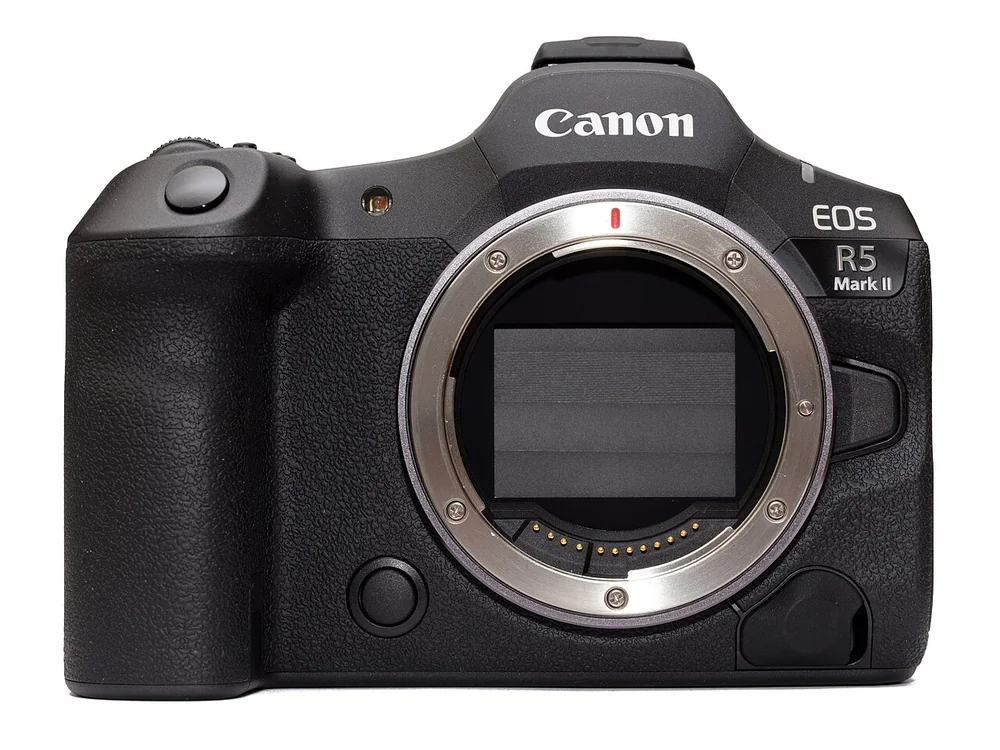
.jpg)
Start with the Nikon Z8 if you need high-resolution action files and can carry the kit. Nikon specifies 20 frames per second in RAW and a 45.7 MP full-frame sensor. RAW gives you more editing choices than a finished JPEG, and that rate is a clearer basis for comparison than a faster number that requires a crop or lower resolution. The drawback is the large, heavy body noted by DPReview.
Choose the Canon EOS R7 if you want an APS-C Canon system, and build the decision around its 15 fps mechanical shutter. PCMag warns that electronic shooting is not ideal for freezing action on this model. Its fastest mode should not be the reason you buy it.
The lens and shooting position matter as much as the body. A camera that shoots fast will not solve a view that is too distant, or a lens that struggles with the venue’s light. Compare the files, shutter mode and autofocus conditions you will use, then plan how long each burst needs to last.
These picks are based on manufacturer specifications and independent reviews. We may earn a commission from qualifying purchases through the Amazon.com links. Recommendations are body-only. Check the model, contents, seller, condition, delivery date and regional warranty before ordering.
Compare the action constraints
| Camera | Documented action-related specification | Sports decision or caution |
|---|---|---|
| Nikon Z8 | 45.7 MP, 20 fps RAW | Higher JPEG rates are not equivalent RAW performance; carry the whole kit first |
| Canon EOS R5 Mark II | 45 MP stacked sensor, up to 30 fps electronic, 12 fps mechanical | Verify format restrictions and LP-E6P battery requirements for the intended mode |
| Canon EOS R6 Mark II | 24.2 MP, 12 fps mechanical, up to 40 fps electronic | Electronic burst RAW uses 12-bit capture; compare the intended shutter mode |
| Nikon Z6III | 24.5 MP partially stacked sensor, five-axis stabilization | Burst and lens-specific tracking workflow still needs verification; USB-C PD required for charging |
| Canon EOS R7 | 32.5 MP APS-C, 15 fps mechanical, stabilization | Electronic shutter action caution; try rear controls with gloves |
| OM System OM-1 Mark II | 20.4 MP, five-axis stabilization | SD write speed ultimately limits buffer; do not assume cross-brand feature support |
| Panasonic Lumix G9II | 25.21 MP, phase hybrid AF, up to 60 fps electronic with continuous AF | Manufacturer conditions apply; reviewed OM 300 mm pairing had initial AF hesitation |
Seven candidates and their tradeoffs
Nikon Z8 for a clearly specified RAW branch
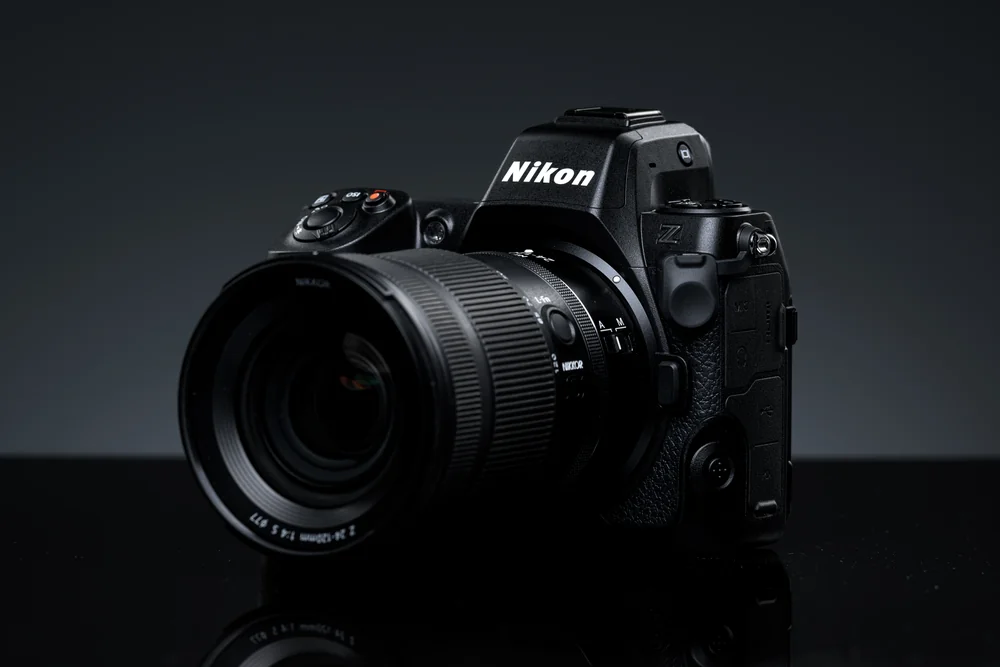
.jpg)
The Z8 is the first choice here for high-resolution RAW bursts. Nikon specifies 20 fps alongside its 45.7 MP sensor and in-body stabilization. Its 120 fps JPEG crop mode gives you different files and framing, so keep it separate when comparing cameras.
DPReview’s size-and-weight warning is the main tradeoff. Try the body with the intended telephoto and decide whether you need support at the sideline. Nikon F-mount lenses require an FTZ or FTZ II adapter and an autofocus compatibility check. An older telephoto may not behave like a native Z lens.
Canon EOS R5 Mark II for detailed action within RF
Check Canon EOS R5 Mark II on Amazon.com
Choose the R5 Mark II when you want detailed action files within an RF lens system. Canon lists 45 MP, up to 30 fps electronically and 12 fps mechanically. Check the file-format restrictions and requirements for the mode you intend to use before comparing that electronic rate with another camera’s RAW rate.
Amateur Photographer reports that best performance needs the LP-E6P battery and that some third-party LP-E6 batteries are rejected. Check your spares rather than assuming they transfer. The review’s 340-shot rating with the bright viewfinder is a standardized battery test figure, not a prediction of how many frames you will get during a sports day.
Canon EOS R6 Mark II when resolution is not the central requirement
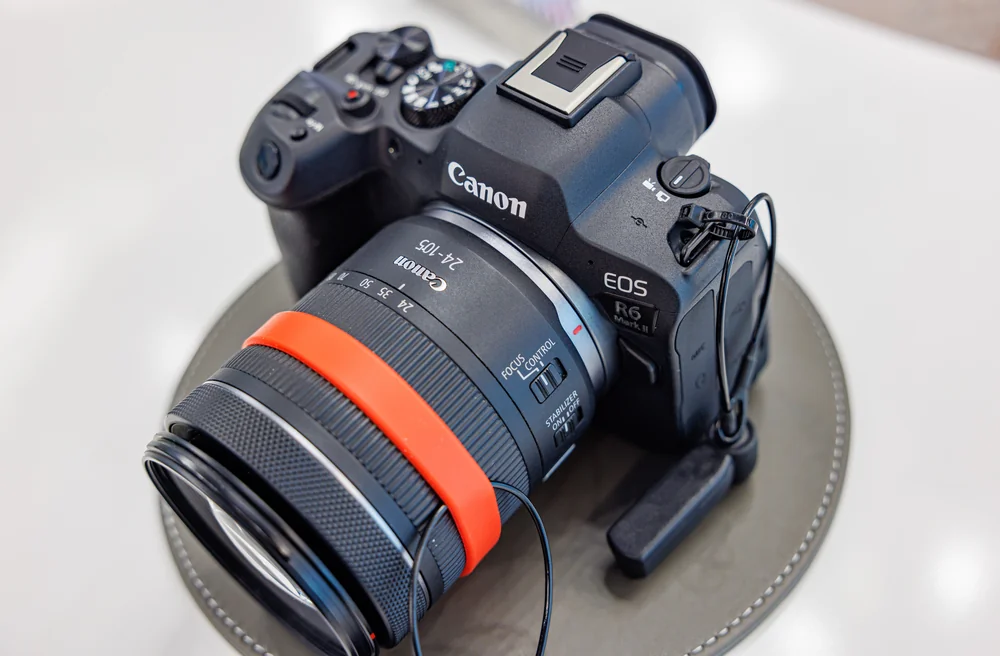

Check Canon EOS R6 Mark II on Amazon.com
Pick the R6 Mark II if 24.2 MP meets your output needs and you want to stay with RF lenses. DPReview records 12 fps mechanical shooting. The electronic shutter can reach 40 fps, but high-speed electronic RAW uses 12-bit capture, reducing tonal information compared with higher-bit-depth files. Compare the mode you will use, not just the largest number.
Its two UHS-II SD slots are useful hardware, but check the simultaneous-recording settings if you require backup copies. If you also film the sport, DPReview notes a thermal limit for full-width 4K at 60 fps. Plan recording time around that warning.
Nikon Z6III for another Z-mount option
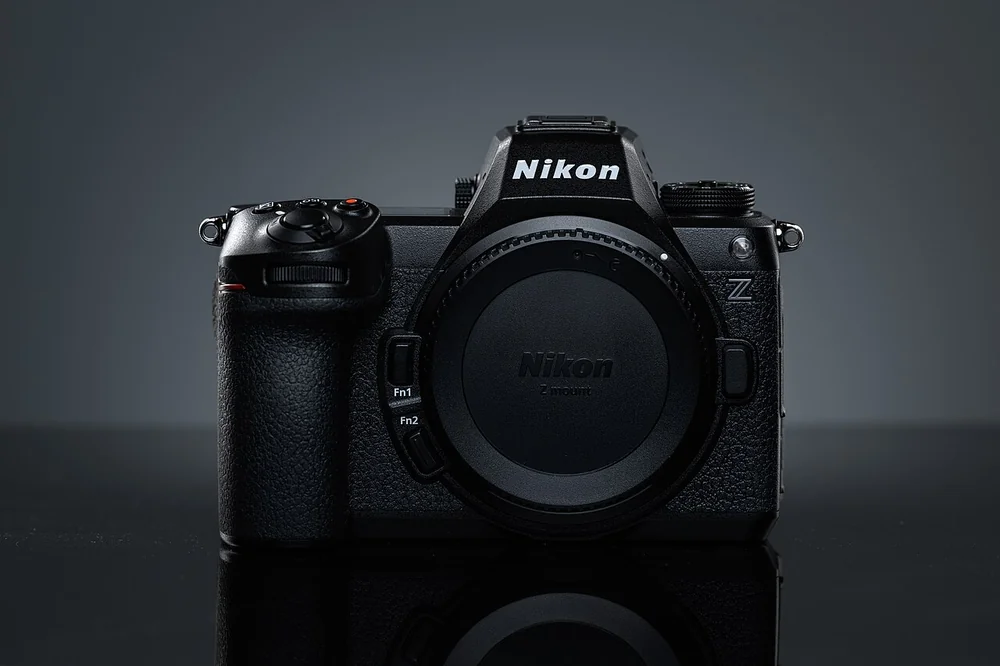
.jpg)
Check Nikon Z6III on Amazon.com
Consider the Z6III if you want a 24.5 MP Z-mount body with five-axis stabilization. Nikon calls its sensor partially stacked, a sensor design description rather than a guarantee of sharp action. The evidence collected here is less complete for its sports burst workflow than for the Z8’s explicit RAW rate. Confirm the file type, burst mode and intended lens before choosing it for an assignment.
Power and transfer need planning too. Amateur Photographer reports that USB charging requires a compatible USB-C Power Delivery supply, not ordinary USB-A. The review also notes that Imaging Cloud and SnapBridge cannot run together in the reviewed implementation. Check which transfer route fits your deadline.
Canon EOS R7 for mechanical-shutter APS-C action
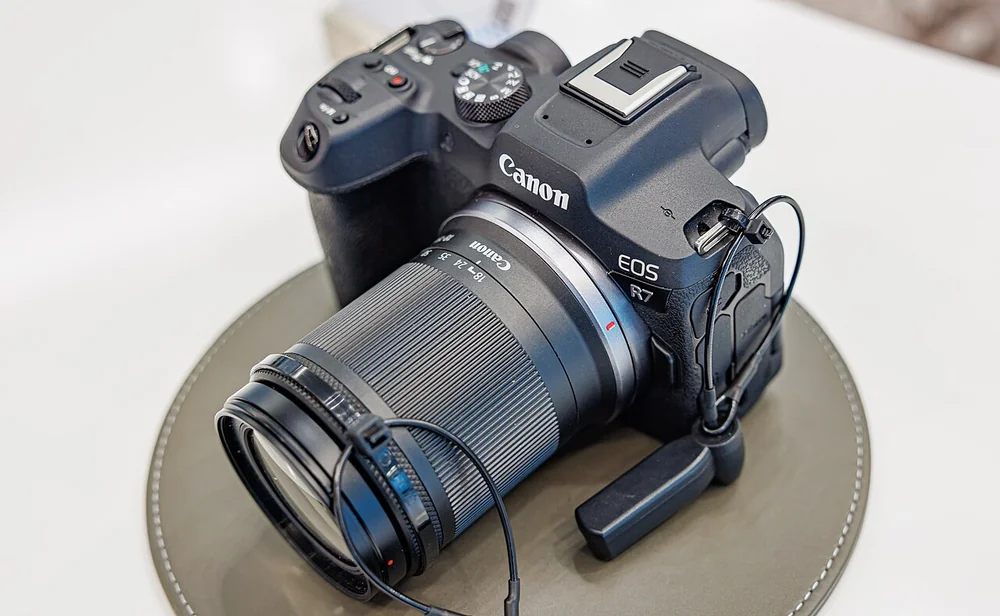

Check Canon EOS R7 on Amazon.com
Choose the R7 around its 32.5 MP APS-C sensor, stabilization and 15 fps mechanical shutter. APS-C gives a narrower view with the same focal length than full frame, which affects your lens choice. It does not make the lens physically longer.
PCMag warns that electronic shooting is not ideal for freezing action, so the mechanical rate is the safer basis for this recommendation. The review also found the combined rear wheel and joystick potentially awkward with gloves. Try those controls if you photograph cold-weather sport, and check the exact adapted lens if you plan to reuse EF equipment.
OM System OM-1 Mark II for a supported Micro Four Thirds setup
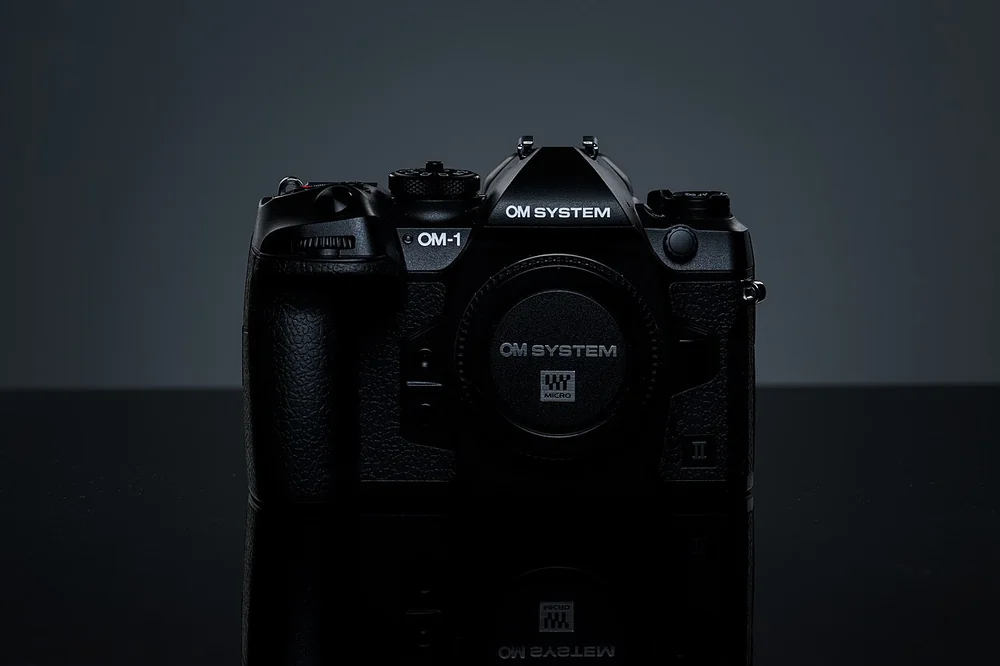

Check OM System OM-1 Mark II on Amazon.com
Consider the OM-1 Mark II as a complete Micro Four Thirds kit, with a lens that supports the functions you need. OM System lists 20.4 MP and stabilization rated up to 8.5 stops under its conditions. That rating describes compensation for camera shake. You still need a suitable shutter speed to freeze an athlete.
PetaPixel found that SD write speed ultimately limits the buffer, the temporary storage used during a burst. Check how the camera and intended card handle the length of sequence you photograph. The review also found relatively minor improvements over the OM-1, so existing owners need a clear reason to upgrade. Cross-brand lens fit does not guarantee all coordinated features.
Panasonic Lumix G9II only with the intended lens verified
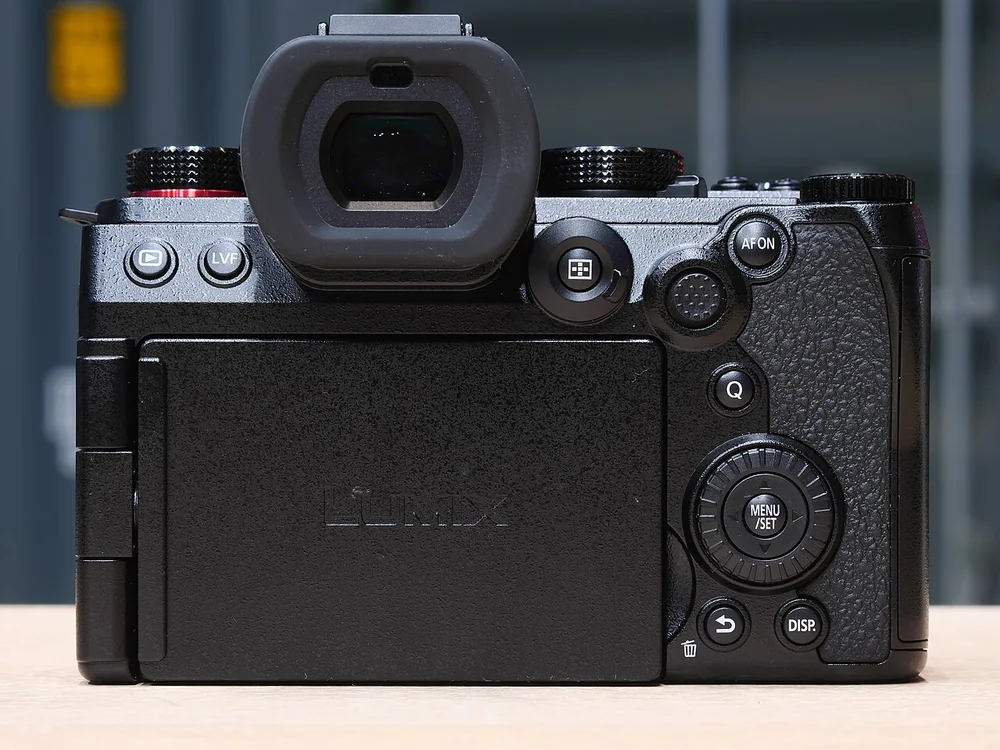

Check Panasonic Lumix G9II on Amazon.com
The G9II is worth considering for a Micro Four Thirds action kit if the intended lens pairing is supported. Panasonic lists 25.21 MP, phase hybrid autofocus and up to 60 fps electronic shooting with continuous autofocus under its stated conditions. Check those conditions and burst duration before treating that rate as useful for your sport.
PCMag reported initial autofocus hesitation with the OM 300 mm f/4. That is a warning about a specific pairing, not every OM lens, but it makes exact-lens verification important. Sharing a mount does not guarantee coordinated Dual IS stabilization or equally fast autofocus. Check that you are buying the G9II rather than the original G9.
What to decide before ordering
Translate the sport into a lens requirement
Identify your position, subject distance and whether you can move. An indoor court and a daylight field can demand different lens choices even with the same body. If you are still choosing a first system, our beginner camera guide weighs learning controls and lens-system decisions rather than maximum burst speed. Verify actual aperture, focal length, autofocus support and total carried weight. The recommendations here are for bodies, not seven verified telephoto kits.
Compare the same file and shutter conditions
Write down RAW or JPEG, full resolution or crop, mechanical or electronic, and whether continuous autofocus applies. Then compare rates. Do not combine the Z8’s JPEG headline, the R6 Mark II’s 12-bit electronic RAW and the R7’s mechanical rate into an unqualified speed podium.
Plan a sequence, not one dramatic frame
Ask how long the important passage lasts and how quickly you need to resume shooting. Card speed and buffer recovery matter. No measured buffer-duration table is supported here, so obtain exact documentation and try representative sequences before a paid assignment.
Check the venue and delivery workflow
Verify lighting and shutter-mode behaviour in the actual venue before relying on the combination. Plan power, spare cards, file selection and transfer around your deadline. If you also cover ceremonies, our wedding camera guide puts recording redundancy, lighting compatibility and mixed delivery ahead of headline speed. Stabilization ratings do not establish subject-freezing ability, and a wireless feature does not prove the transfer method fits your workflow.
Sports buying questions
Is the camera with the most fps the best choice?
No. A rate may depend on JPEG, crop, reduced resolution or a particular shutter mode. Compare like-for-like files and autofocus conditions before treating speed as useful.
Should I use the R7 electronic shutter for fast action?
Do not make it the default without checking the results. PCMag specifically cautions against electronic shooting for freezing action. The 15 fps mechanical rate is the basis for our R7 recommendation.
Does stabilization freeze a moving athlete?
It does not substitute for a shutter speed suited to subject movement. Manufacturer stabilization maxima describe camera-shake compensation under stated conditions, not a guaranteed sharp athlete.
Can I mix Panasonic and OM lenses freely for sports?
Check the exact pairing. PCMag’s G9II review reports autofocus hesitation with the OM 300 mm f/4. A lens can fit without supporting every coordinated feature or focusing as quickly as another pairing.
Recommendation and method
Choose the Z8 for the explicit 20 fps RAW branch if the kit is manageable. Choose the R7 for a mechanical-shutter APS-C plan, or retain a supported existing system when its lenses already fit the sport. Do not switch mounts to chase an isolated headline.
Sources and specifications
- Nikon Z8: Nikon product page, DPReview review.
- Canon EOS R5 Mark II: Canon specifications, Amateur Photographer review.
- Canon EOS R6 Mark II: Canon specifications, DPReview review.
- Nikon Z6III: Nikon product page, Amateur Photographer review.
- Canon EOS R7: Canon specifications, PCMag review.
- OM System OM-1 Mark II: OM System specifications, PetaPixel review.
- Panasonic Lumix G9II: Panasonic specifications, PCMag review.
Related guides
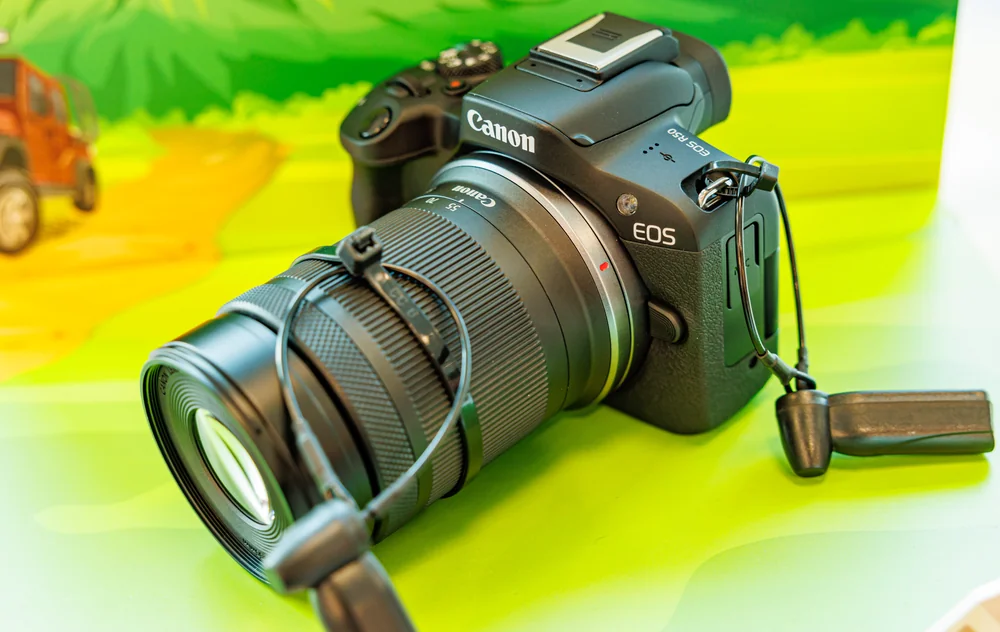
Best camera for beginners: seven choices for learning photography
Compare seven beginner camera candidates by viewfinder, stabilization, learning controls and lens-system commitments, with clear drawbacks and research sources.
Best camera for landscape photography: detail without the wrong kit
Seven research-based landscape camera picks, comparing single-shot detail, lens-system choices and field workflow without unsupported dynamic-range rankings.
Best camera for portraits: choose for the session, not skin-tone claims
Seven portrait cameras for learning, controlled sessions and hybrid work, with lens-system tradeoffs, useful drawbacks and lighting checks before buying.