
Best camera for wedding photography: buy for the whole event workflow
Start the wedding shortlist with the Canon EOS R6 Mark II, but do not buy until the exact backup, flash and lens workflow is verified. Choose higher resolution only when the deliverables justify it.

This guide is based on manufacturer documentation and independent exact-model reviews.
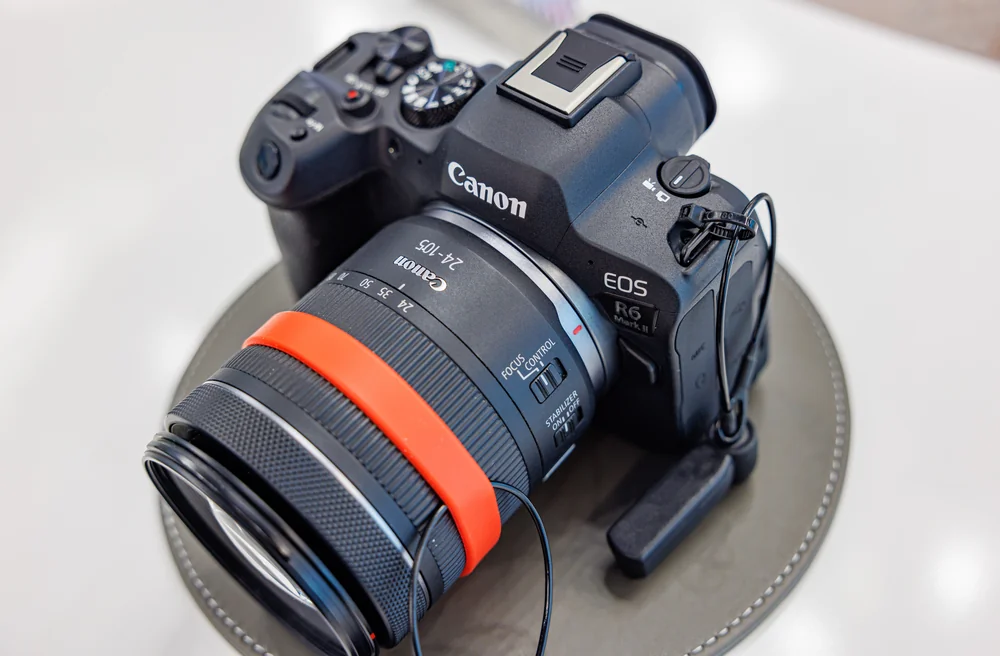
Start with the Canon EOS R6 Mark II if you want a full-frame RF camera and do not need maximum resolution. Its 24.2 MP sensor, matching UHS-II SD slots and 12-frame-per-second mechanical burst make it a sensible general-purpose shortlist choice.
Choose the 45 MP R5 Mark II or 61 MP Sony a7R V only when the extra detail serves your delivery or cropping needs. More pixels do not make an event safer to photograph. Your lenses, flash setup, backup settings and familiarity with the controls matter throughout the day.
Before paid work, rehearse the exact kit. This guide does not verify simultaneous recording, flash compatibility or low-light event autofocus for every configuration. A ceremony cannot pause while you discover a setting restriction.
Amazon.com links are affiliate searches; we may earn a commission from qualifying purchases. Confirm the exact model, seller, condition, delivery date and regional warranty. All seven recommendations are body only; pictured lenses and accessories are not included.
Compare the wedding purchase questions
| Camera | Best fit | Main tradeoff to plan around |
|---|---|---|
| Canon EOS R6 Mark II | General-purpose RF kit; 24.2 MP, dual UHS-II SD slots | Electronic burst RAW is 12-bit; 4K/60p has thermal limits |
| Panasonic Lumix S5II | Mixed stills and video; 24.2 MP, dual UHS-II SD slots | No tally light; video emphasis may be wasted on stills-only work |
| Sony a7 IV | General-purpose FE kit with 33 MP | 4K/60p crop changes video framing |
| Nikon Z6III | Z-mount kit without a high-resolution requirement; 24.5 MP | Charging needs a compatible USB-C PD supply |
| Canon EOS R5 Mark II | High-detail RF delivery; 45 MP | Best performance needs LP-E6P batteries |
| Nikon Z8 | Detail and fast RAW sequences; 45.7 MP, 20 fps RAW | Large, heavy body for long sessions |
| Sony a7R V | Resolution-led output; 61 MP | File handling, occasional white-balance casts and video limitations |
Seven cameras and the reasons to choose them
Canon EOS R6 Mark II as the starting RF branch
Check Canon EOS R6 Mark II on Amazon.com
Choose the R6 Mark II when RF lenses suit the assignment and 24.2 MP meets your output needs. DPReview records two matching UHS-II SD slots and a mechanical burst of 12 frames per second. Matching card formats simplify the cards you carry, but you still need to set and check simultaneous recording.
The fast electronic bursts use 12-bit RAW, retaining less tonal information than a higher-bit-depth RAW file. DPReview also reports thermal limits for full-width 4K at 60 frames per second. If you deliver ceremony video as well as photographs, check recording limits and flash restrictions in the exact modes you plan to use.
Panasonic Lumix S5II when stills and video are both deliverables
.jpg)
Check Panasonic Lumix S5II on Amazon.com
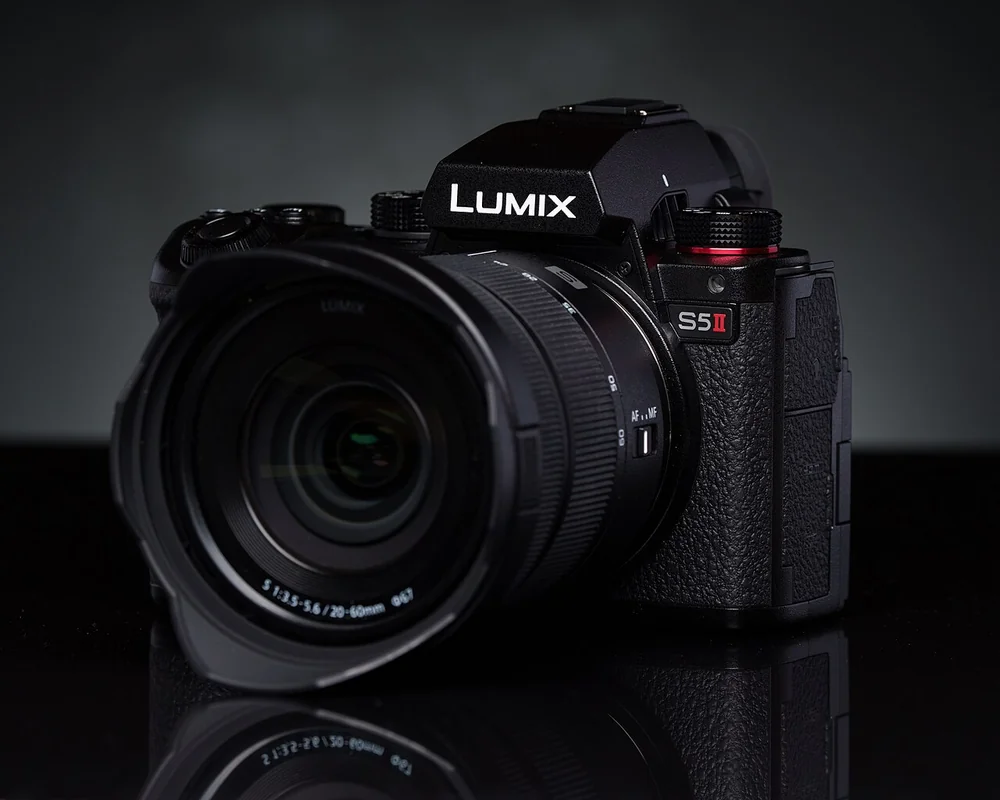
Choose the S5II when both photographs and video are part of your contract. Panasonic lists a 24.2 MP full-frame sensor, phase hybrid autofocus and two UHS-II SD slots. Check backup behavior separately for stills and video; the slot count does not tell you every supported recording arrangement.
TechRadar notes no tally light, the visible indicator that recording is running, and questions its value for stills-only buyers. If another person supplies the film, you may have less reason to buy a video-focused body. Confirm the full-frame L-mount lens and flash pairing. This pick is S5II, not S5IIX or the original S5.
Sony a7 IV for an FE system with moderate resolution
_-_by_Henry_S%C3%B6derlund_(51739988735).jpg)
Check Sony a7 IV on Amazon.com
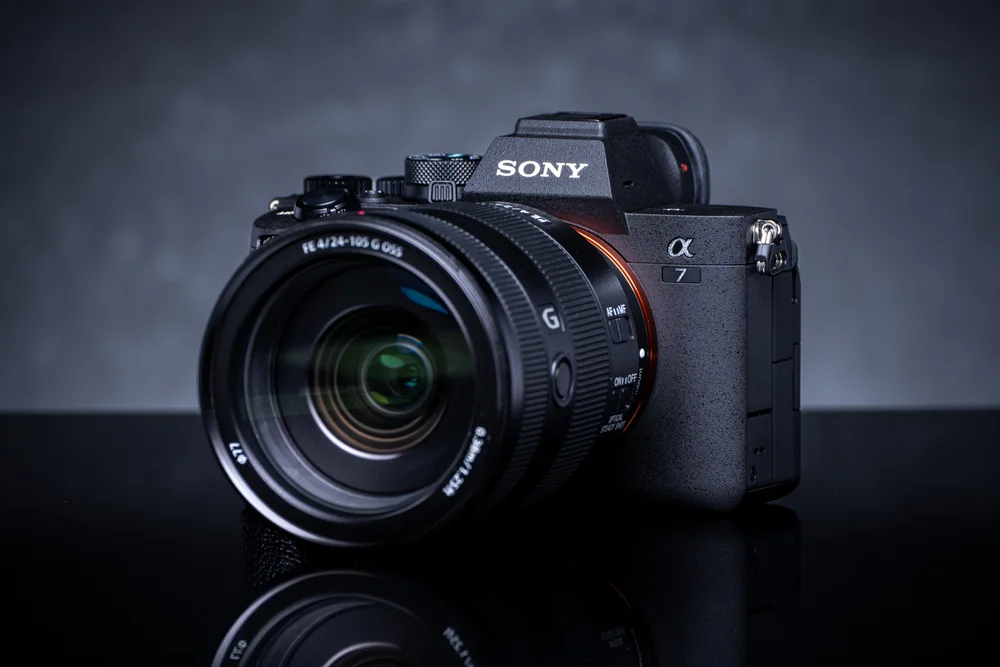
The a7 IV is the general-purpose Sony option if 33 MP suits your delivery needs. Existing FE lenses are a good reason to shortlist it before changing systems. APS-C E lenses fit the mount but crop the image, so choose full-frame coverage deliberately.
For mixed delivery, Tom’s Guide notes that 4K at 60 frames per second uses a Super35 crop, narrowing the view. You may need a different framing plan when switching from photographs to that video mode. The review also notes a limited action drive rate. Rehearse moving subjects in reception-like light rather than treating either specification as a low-light autofocus result.
Nikon Z6III for a Z-mount event candidate
.jpg)
Check Nikon Z6III on Amazon.com
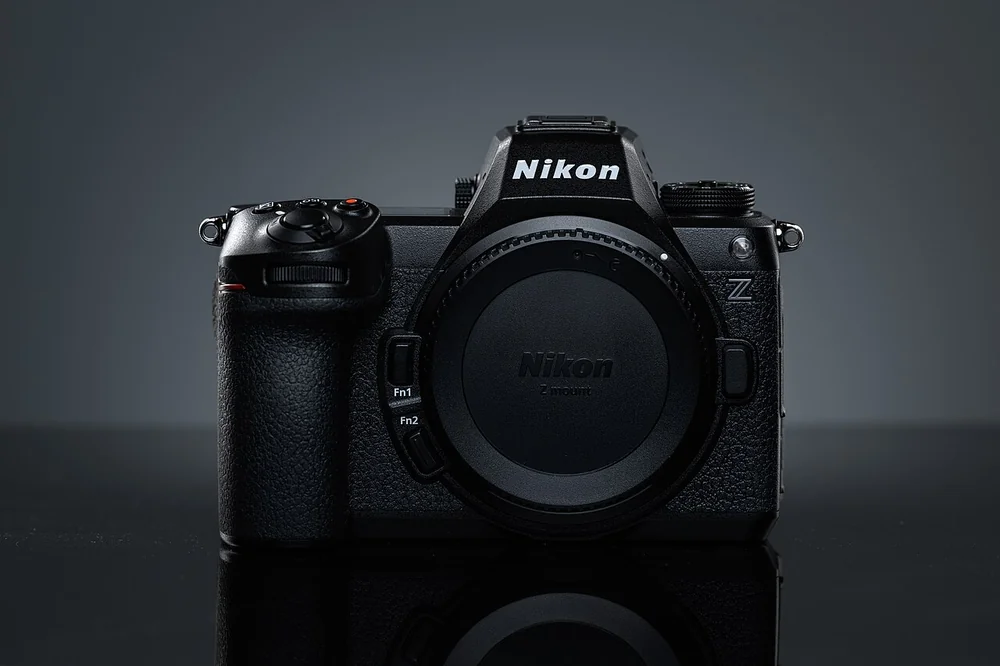
Choose the Z6III if you want a Nikon Z kit without the Z8’s high-resolution emphasis. Nikon lists a 24.5 MP partially stacked sensor and five-axis stabilization. Partially stacked describes the sensor’s construction, not a guarantee of autofocus performance at a dim reception.
Prepare the power kit carefully. Amateur Photographer reports that charging needs a compatible USB-C Power Delivery supply rather than ordinary USB-A. A cable alone is not enough. Its review also notes restrictions on using Imaging Cloud and SnapBridge concurrently, so check current firmware if transfers are part of your event plan. Verify lens support, including any FTZ adapter pairing.
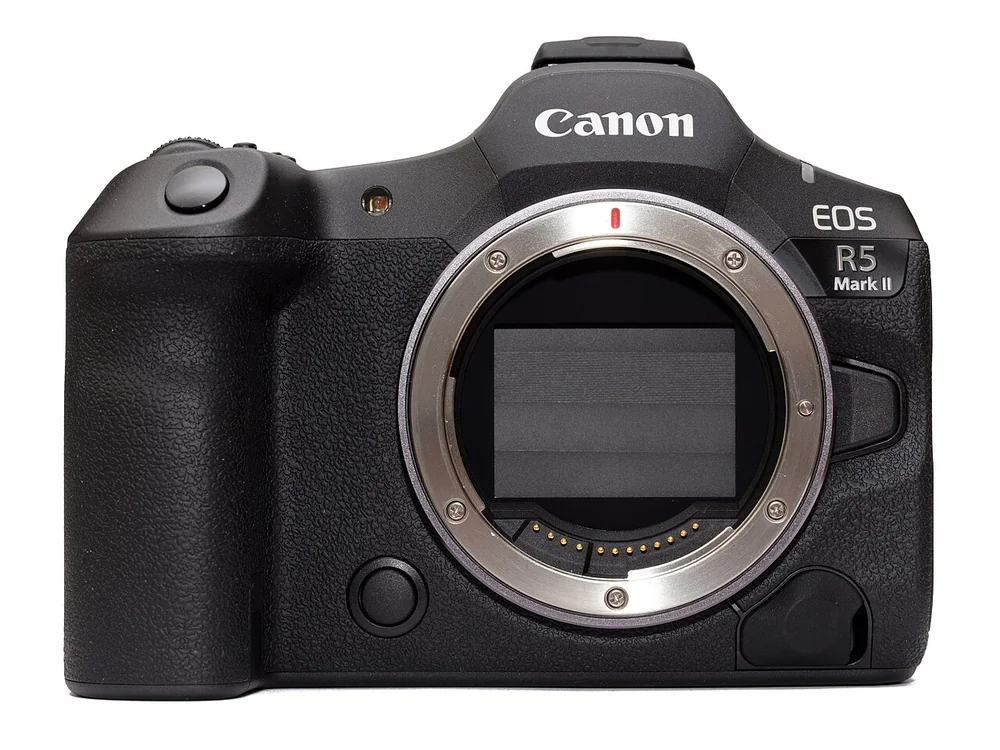
Canon EOS R5 Mark II when high-detail delivery has a purpose
.jpg)
Check Canon EOS R5 Mark II on Amazon.com
Choose the R5 Mark II when 45 MP files serve a real output or cropping need and RF lenses already suit you. Canon lists a stacked full-frame sensor, mechanical bursts of 12 frames per second and electronic bursts up to 30. Burst speed alone is not a good reason to choose it over the R6 Mark II.
The practical catch is batteries. Amateur Photographer reports that best performance needs LP-E6P, and some third-party LP-E6 batteries are rejected. Check your exact spares rather than assuming old batteries will work as intended. A standardized CIPA battery rating is not a full-day wedding promise; rehearse power changes alongside cards and lighting.
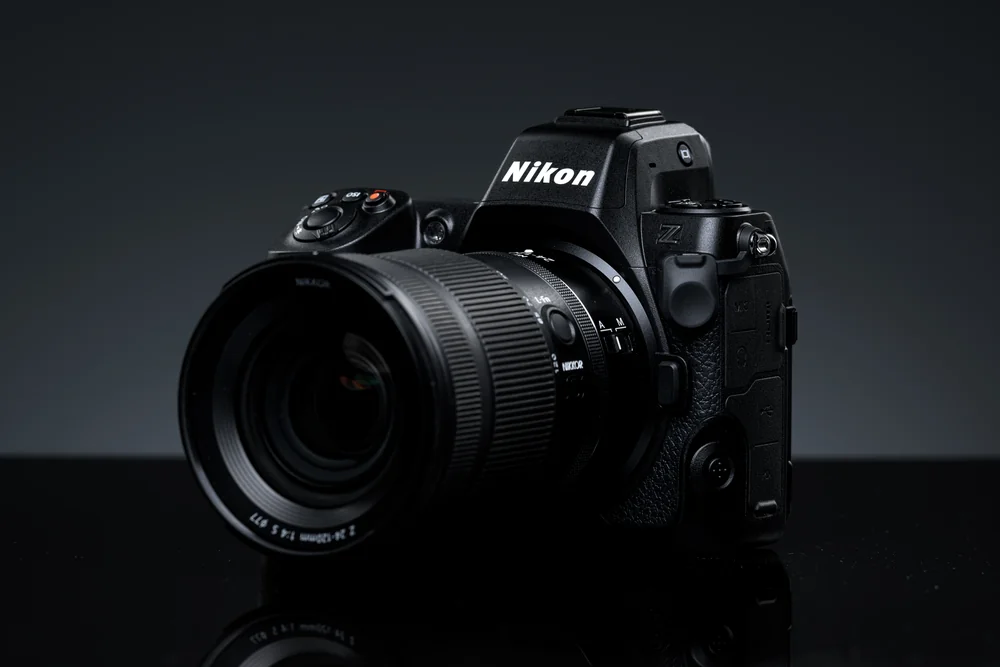
Nikon Z8 for detail and documented RAW action capability
.jpg)
Choose the Z8 when you need both detailed files and fast RAW sequences. Nikon lists a 45.7 MP stacked full-frame sensor and 20-frame-per-second RAW shooting. Higher JPEG burst headlines do not describe the same full-resolution RAW output.
DPReview’s main handling caution is its size and weight relative to peers. Try it with your intended lens for a realistic session, not just a few minutes at a counter. Confirm flash, backup settings and autofocus support for any adapted F-mount lens before making it your working kit.
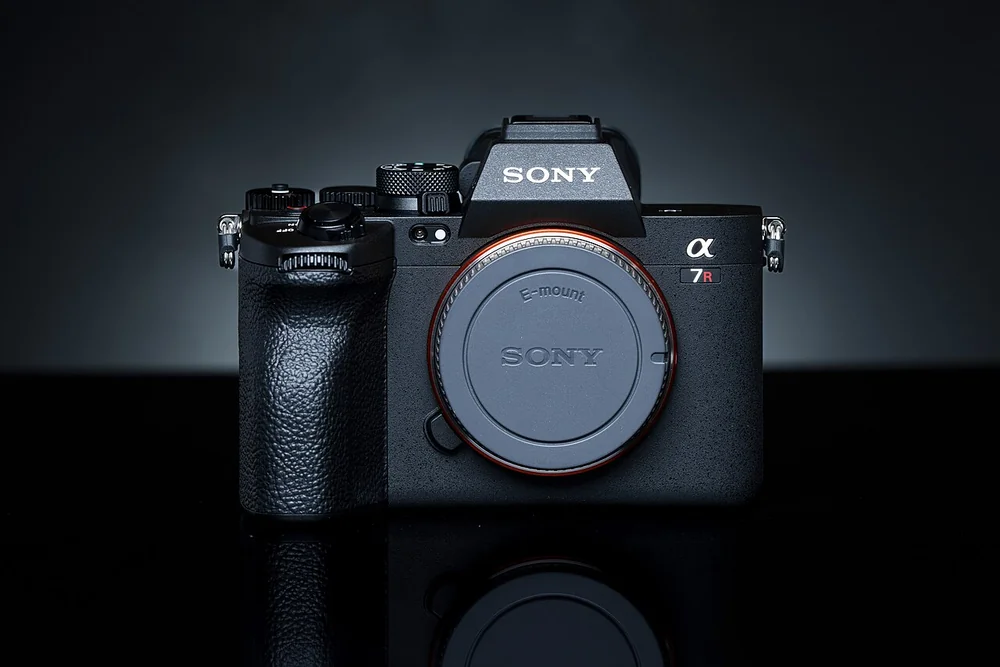
Sony a7R V for resolution-led wedding output
.jpg)
Check Sony a7R V on Amazon.com
Choose the a7R V for resolution-led work, not simply because 61 MP is the largest number here. Sony lists stabilization and subject-recognition autofocus alongside that full-frame sensor. Make sure a representative selection, editing and backup session fits your hardware and deadline before committing to that resolution for an entire event.
Amateur Photographer reports occasional automatic white-balance color casts and video limitations. Check color behavior and your actual film requirements if you deliver both. Its resolution is a reason to shortlist it for detailed output, not proof that it is the best all-round event camera.
Check the whole wedding kit
Prove simultaneous recording in the intended modes
Write down RAW or JPEG, file combinations, shutter mode and any video format you need. Check each against the exact manual and firmware. Do not stop at the card-slot count. Plan what happens when one card fills or fails, and verify the behaviour before relying on that setup.
Verify the lighting system before the body purchase
Record the exact trigger, flash, lens and shutter settings. Check compatibility and restrictions in documentation. This research does not establish supported flash chains or sync limits for the seven candidates. A reception workflow needs more than a familiar hot-shoe shape or brand name.
Rehearse event focus and handling
Test the proposed setup with moving people in representative light before paid work. A general subject-recognition feature is not a comparative low-light benchmark. Try changing focus position, exposure and modes while directing people. For posed sessions where you can pause and inspect the result, compare the different lens-and-lighting priorities in our portrait camera guide. Check the combined grip, lens load and control access over a realistic session.
Match file volume and video to the contract
Decide what the final gallery and any film require. Higher pixel counts should serve output or cropping. Try a representative selection, editing and backup session before buying, and check video framing and recording limits separately. If the kit also needs to photograph detailed static scenes, our landscape camera guide covers those priorities.
Wedding buying questions
Does having two slots guarantee safe simultaneous backup?
No. Two slots establish hardware only. Verify the exact recording mode and file configuration in the manual, and rehearse the behaviour before relying on it.
Which camera is the starting recommendation?
Start with R6 Mark II for a full-frame RF kit when you do not need maximum resolution. If you already own suitable lenses in another system, shortlist that system’s option before paying to change mounts.
Do weddings require 45 MP or more?
No requirement is established here. Choose resolution for the contracted output and intended cropping. A higher count does not prove better event focus, flash support or recording safety.
Can I record a whole ceremony without interruption?
Check the exact mode, temperature limits and power setup. DPReview specifically reports thermal limits for R6 Mark II full-width 4K/60p. Uninterrupted ceremony recording was not verified across these cameras.
Which wedding camera should you buy?
Begin with your lenses, then settle recording backup and lighting. R6 Mark II is the RF starting point, S5II makes sense for mixed delivery, and a7 IV or Z6III are worth shortlisting within their systems. Choose R5 Mark II, Z8 or a7R V when the extra resolution has a purpose. Rehearse the complete kit before relying on it for paid work.
Sources and specifications
Manufacturer documentation supports specifications and exact-model reviews support reported drawbacks. Prices and stock were not verified; these recommendations do not establish complete wedding-kit compatibility or low-light comparative performance.
- Canon R6 Mark II specifications
- DPReview R6 Mark II review
- Panasonic S5II product page
- TechRadar S5II review
- Sony a7 IV specifications
- Tom’s Guide a7 IV review
- Nikon Z6III product page
- Amateur Photographer Z6III review
- Canon R5 Mark II specifications
- Amateur Photographer R5 Mark II review
- Nikon Z8 product page
- DPReview Z8 review
- Sony a7R V product page
- Amateur Photographer a7R V review
Related guides
Best camera for beginners: seven choices for learning photography
Compare seven beginner camera candidates by viewfinder, stabilization, learning controls and lens-system commitments, with clear drawbacks and research sources.
Best camera for landscape photography: detail without the wrong kit
Seven research-based landscape camera picks, comparing single-shot detail, lens-system choices and field workflow without unsupported dynamic-range rankings.
Best camera for portraits: choose for the session, not skin-tone claims
Seven portrait cameras for learning, controlled sessions and hybrid work, with lens-system tradeoffs, useful drawbacks and lighting checks before buying.